
The railway between Addis Ababa and Djibouti.
Book a seat or ship a container. Both online, both on the same line.
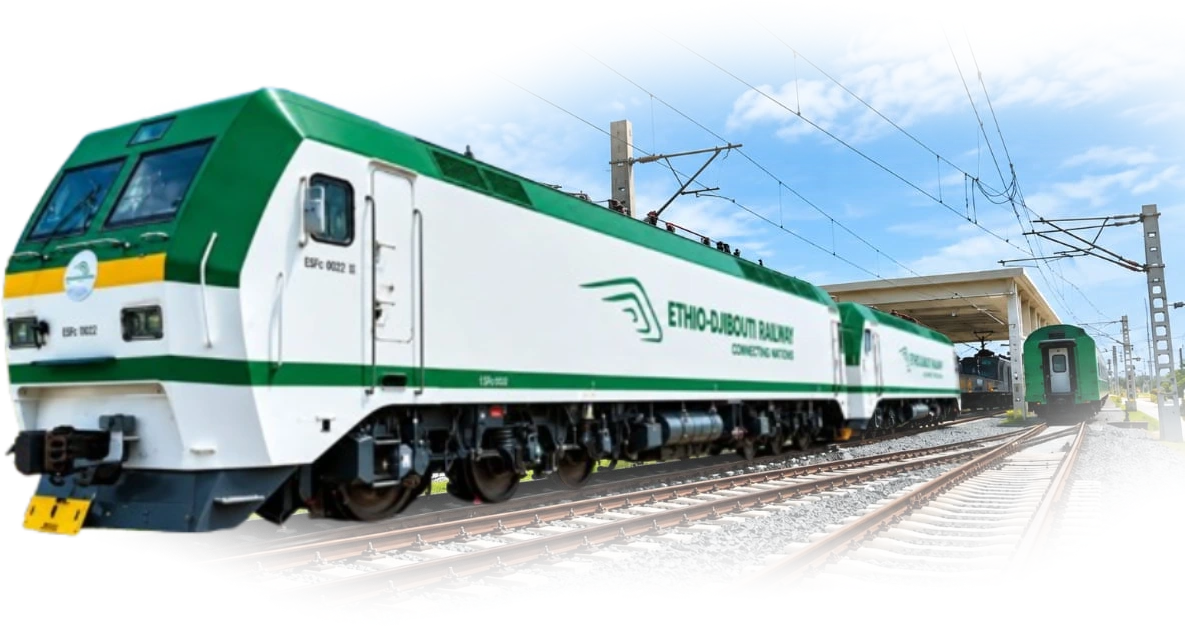
- Addis Ababa
- Dire Dawa
- Djibouti Port

Find your train
Live departures, fares and seats for every station on the line. Search here, then pick your seat on the passenger portal.
- Economy, standard and VIP coaches
- Pay with Telebirr, CBE Birr or card
- QR e-ticket by SMS, shown at the gate
Booking a ticket
Four steps on the passenger portal, from search to the gate. No ticket office.
- 1
Search for a train
Pick your stations, travel date and the number of adults and children.
- 2
Choose your train and class
Compare departures, then pick a coach type and the exact seat or bed.
- 3
Add passenger details
Ethiopian travellers verify with FAYDA; visitors enter passport details.
- 4
Pay and travel
Pay with Telebirr, CBE Birr or card. Your QR e-ticket arrives by SMS; show it at the gate.
The corridor, in numbers
Trains, tonnes and wagons on the line over the last 30 days, read straight from the freight system.
Connecting
- Trains run
- Tonnes booked
- Bookings
- Wagons available
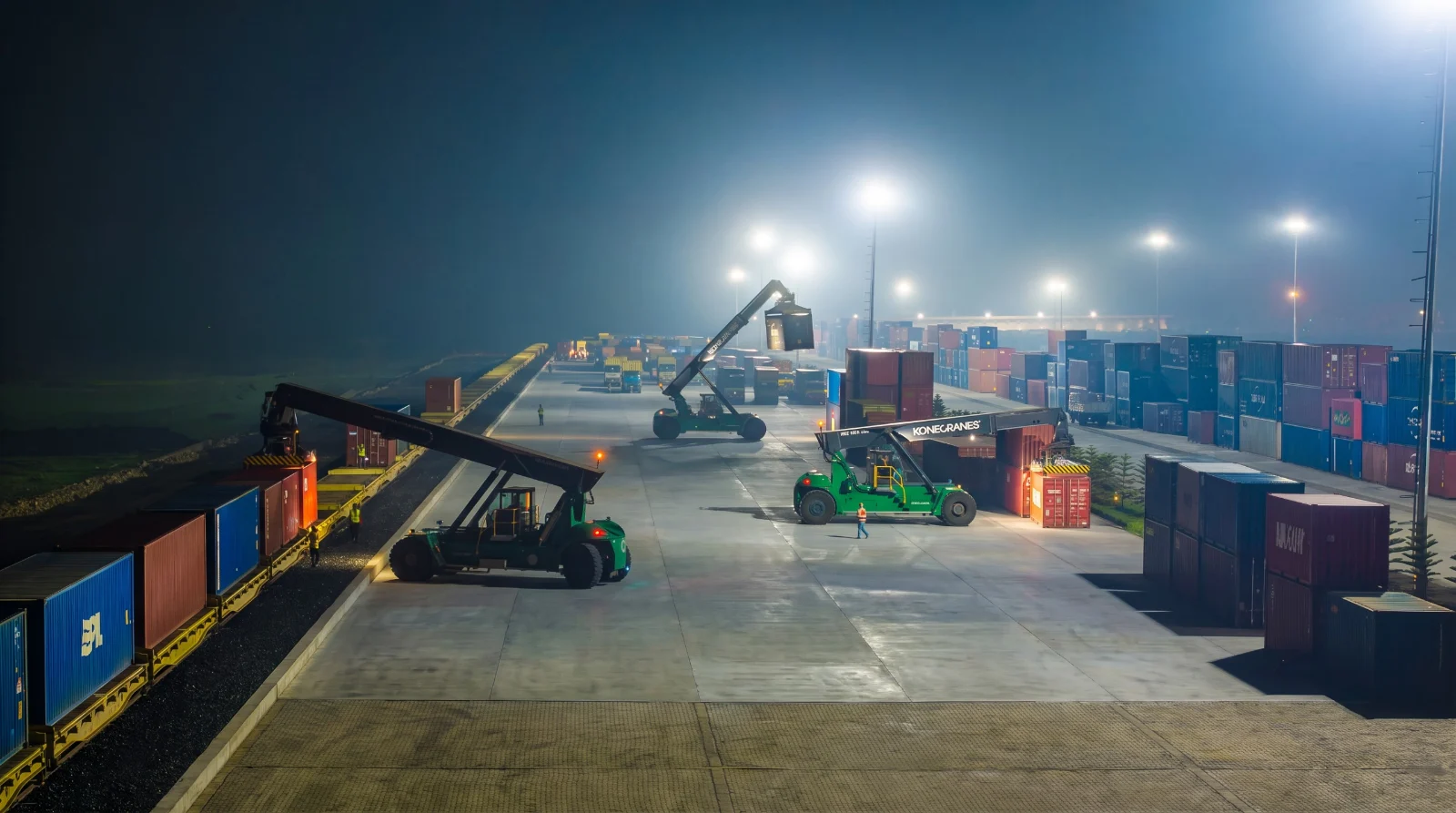
Every one of them runs this line, Indode to Doraleh, under 25 kV.
- Addis Ababa
- Dire Dawa
- Djibouti Port
Every wagon, live
GPS position from loading to release, on the same screen as the booking.
Papers, signed online
Interchange documents and customs stamps, digital from Indode to Doraleh.
Settled in birr
Invoices paid with Telebirr, CBE Birr or eBirr, or against contract credit.
Shipping cargo
Four steps on the freight portal, from registration to the final invoice.
- 1
Verify and register
Sign up with your company TIN, verify with FAYDA, and get trade access approved by EDR.
- 2
Book and pay
Choose origin, destination, cargo type and schedule. Pay with Telebirr, CBE Birr or contract credit.
- 3
Load and clear
Wagon allocation, loading confirmation, interchange documents and customs stamps, all digital.
- 4
Track and settle
Follow the train live, get gate notifications and download the final invoice on release.
One line, two countries
759 km of electrified standard gauge from the Ethiopian highlands to the Red Sea, and the crews, yards and worksites that keep it running.

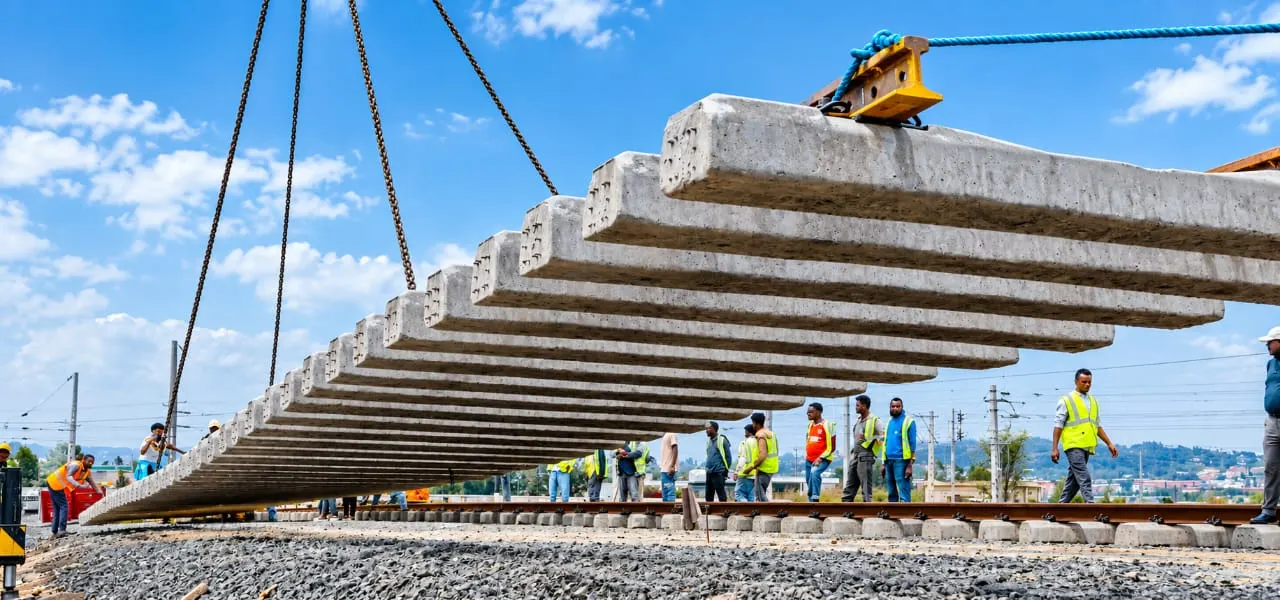
Track construction on the line. 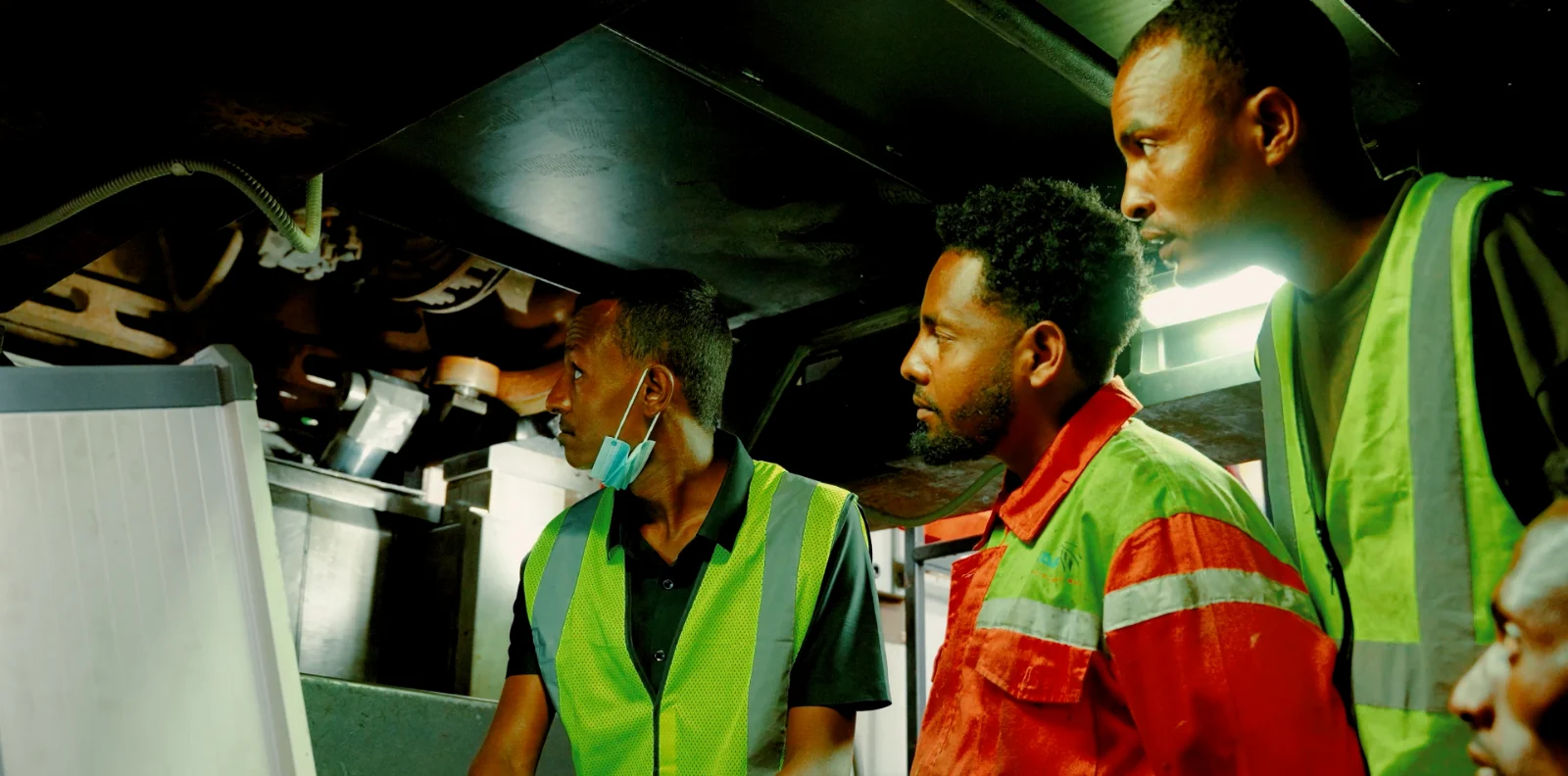
Crew inspecting the running gear of a coach. 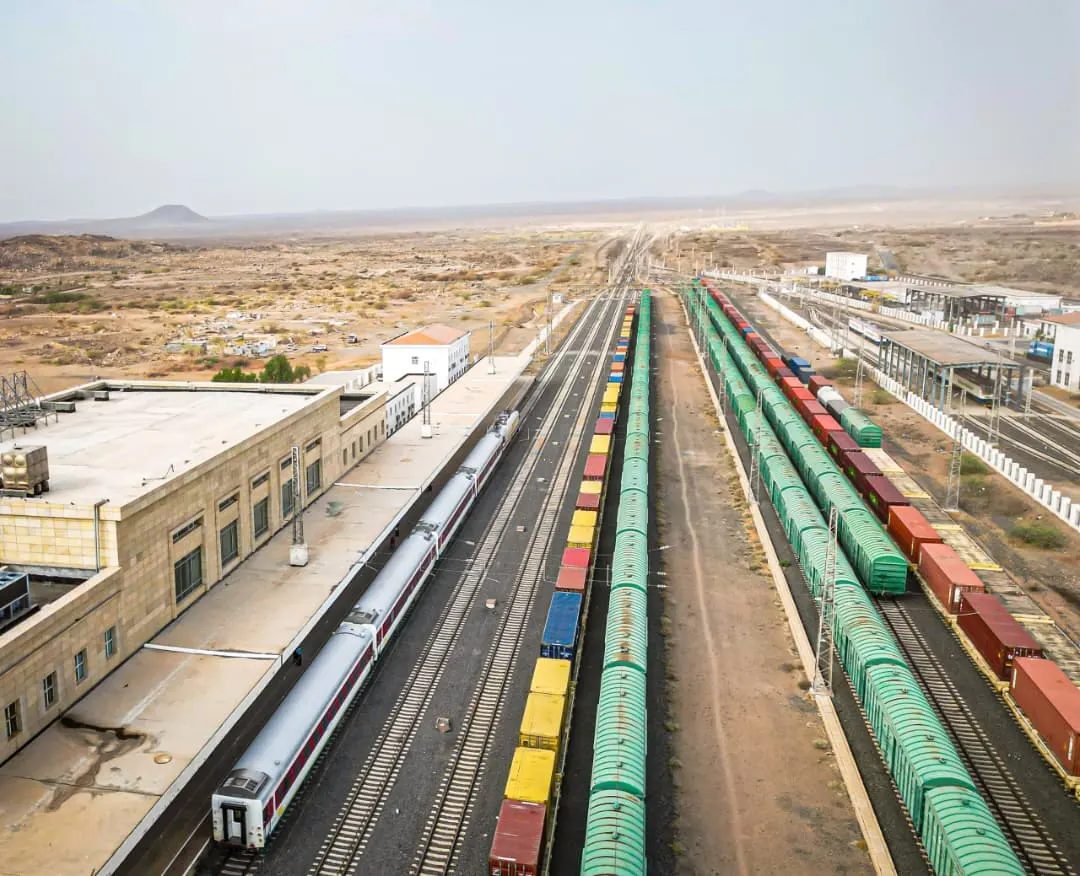
A station and its yard, seen from above.
Send a letter to EDR
Submit an official letter online and receive a reference number you can quote in follow-ups.
Opens the EDR correspondence portal.
- 1
Verify who you are
Sign in with your e-Trade business licence or your FAYDA national ID.
- 2
Upload the signed letter
Attach the PDF, its subject and your own letter number.
- 3
Keep the reference number
Quote it in any follow-up. The record office picks it up from there.
Book from your phone
Search trains, pick your seat, pay with Telebirr or CBE Birr, and carry your QR e-ticket to the gate. The EDR Passenger app is on iOS and Android.